
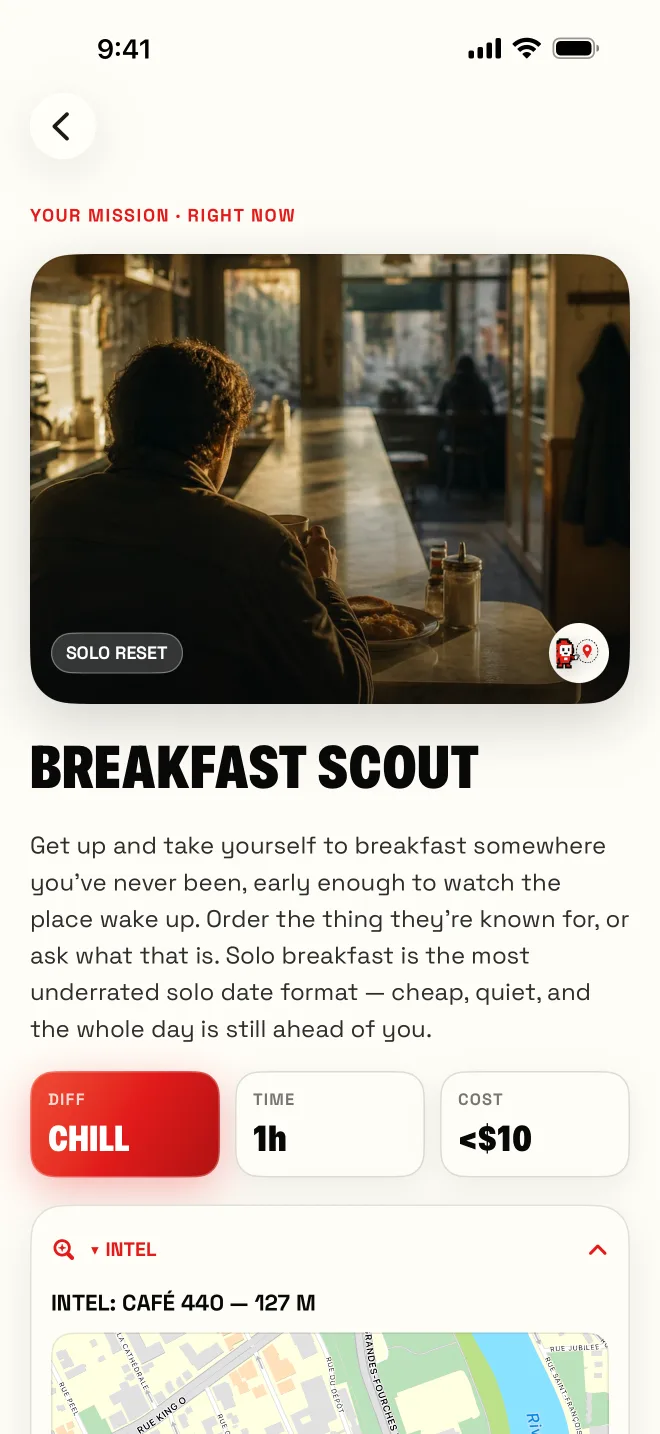
Real places nearby
Missions matched to where you are.
NewSideMission 2.0
Block the apps that pull you in and do one real thing matched to your mood and time.
For iPhone · English and French

How it works
Mission Lock keeps the apps you choose closed until you finish one mission and save its proof.
Choose the apps that pull you in with Apple’s private Screen Time picker. Your selection stays on your iPhone.
Three taps for a mission matched to your mood and time. Adjust budget, distance or who’s coming if you like, and reroll up to 3 times.
Accept it and your apps stay locked. Starting the clock, waiting or opening the proof screen won’t unlock them.
A photo, a location check-in or a journal note, as the mission asks.
Save the finished mission with its proof and your apps open again. Your journal keeps the receipt.
Mission Lock is optional and needs a supported iPhone. Nothing is blocked until you allow Screen Time and pick apps. In the app, Settings > Mission Lock > Turn off & unblock apps works at any time, with or without a subscription.
Missions matched to where you are.
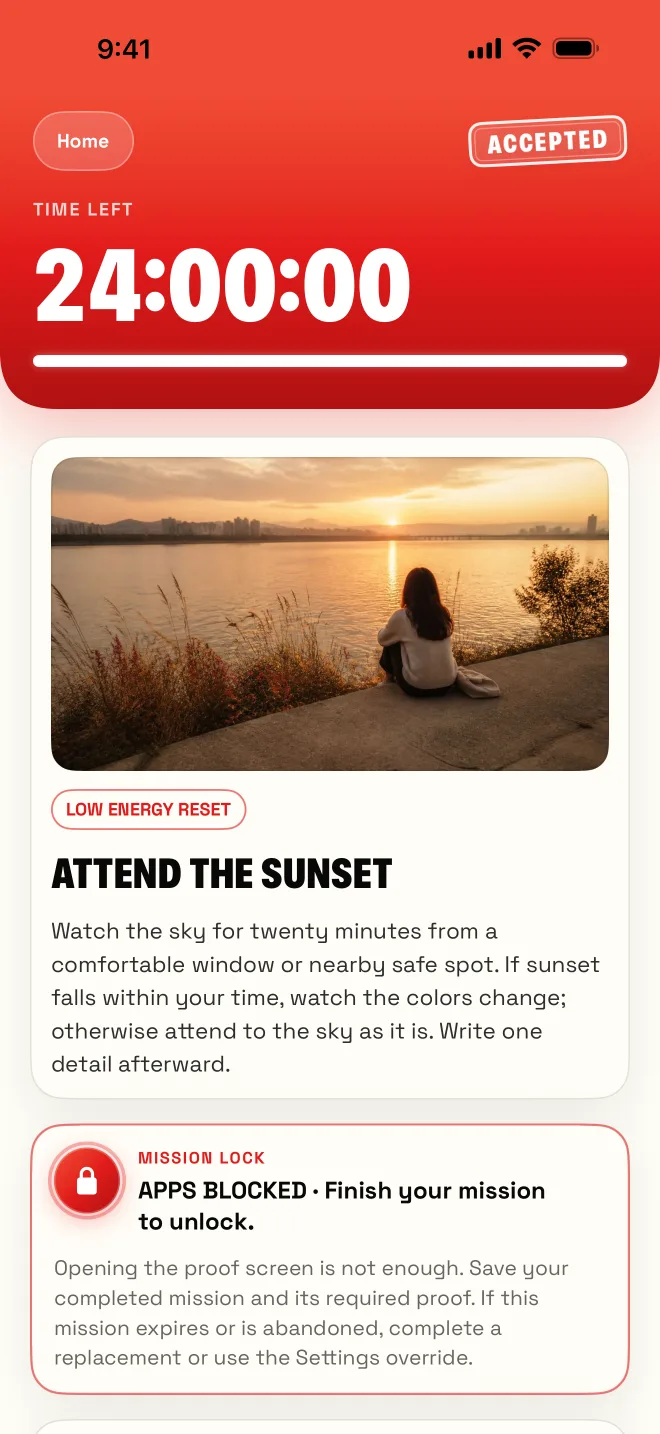
Your apps unlock when the mission is done.
Before mission one
Answer a few quick questions about your evenings, your screen time and who you do things with. Sid builds a first week of 5 to 7 real missions.
New in 2.0
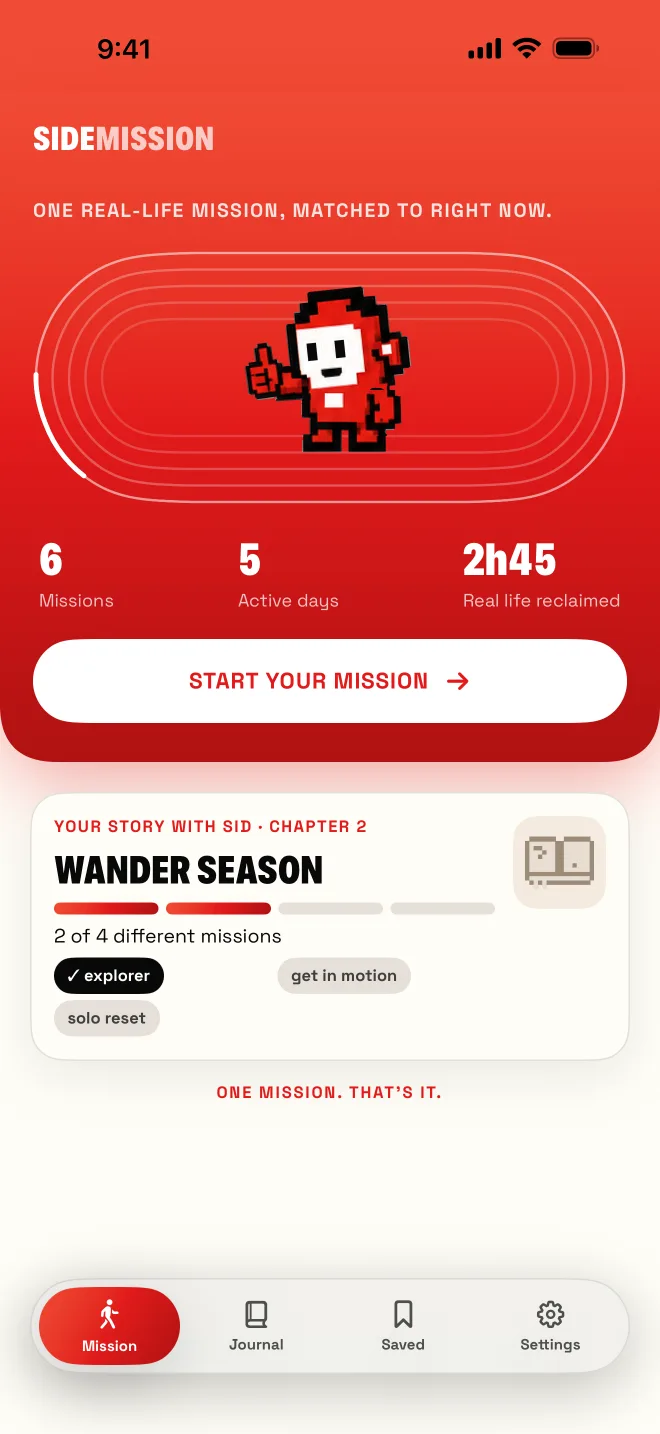
Your missions now build chapters. Finish one, play its finale when you want, and earn a keepsake.
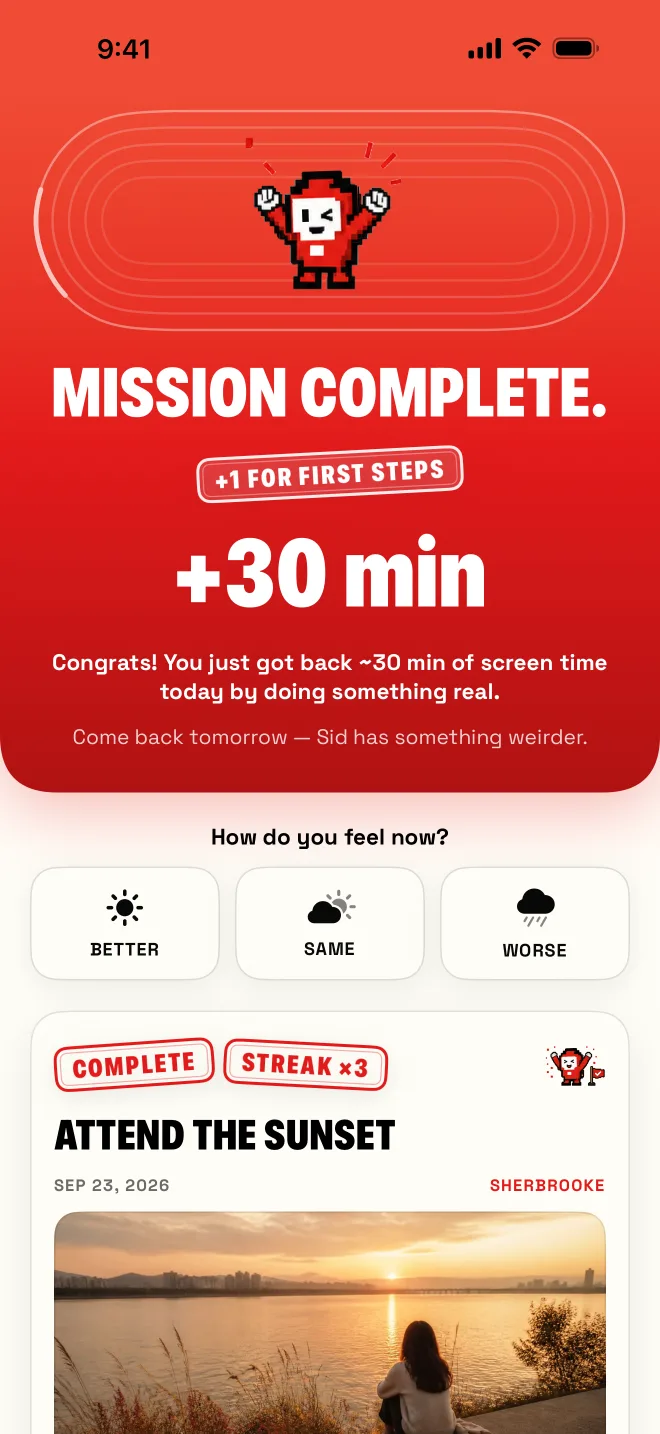
Each mission moves your story forward.
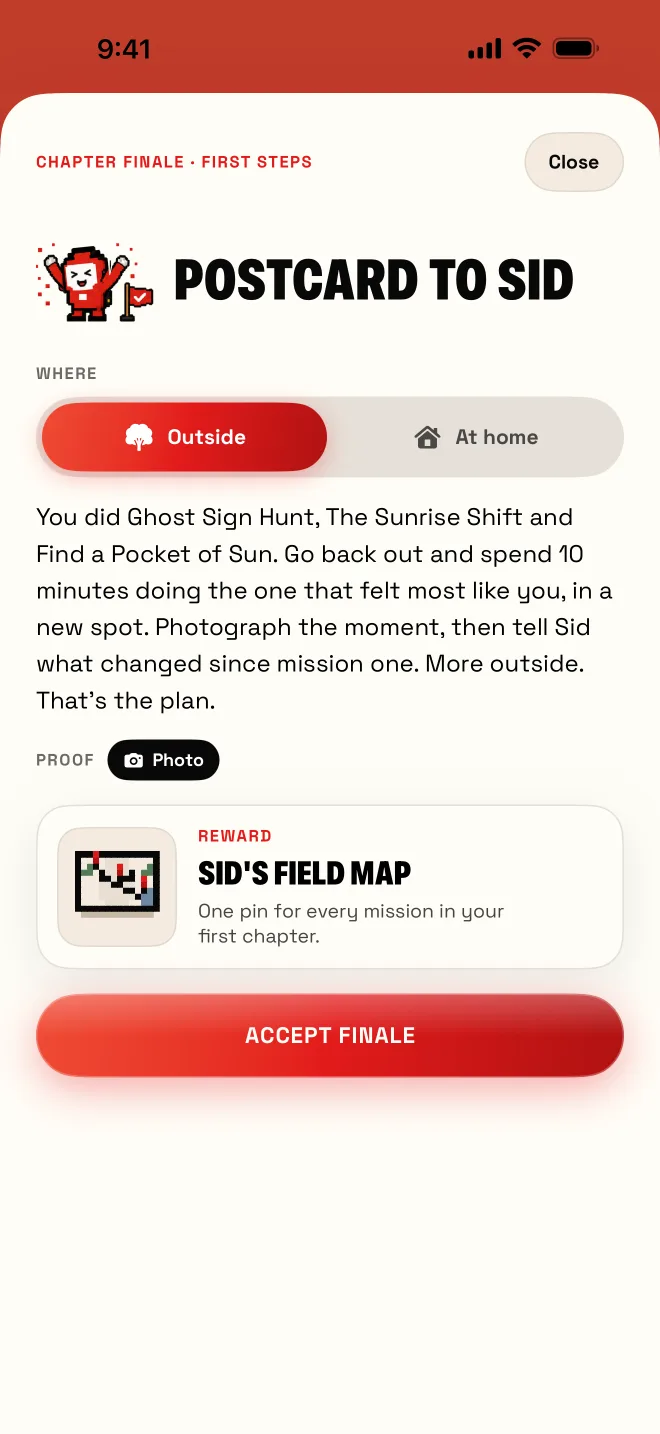
Finish a chapter, then play its finale.
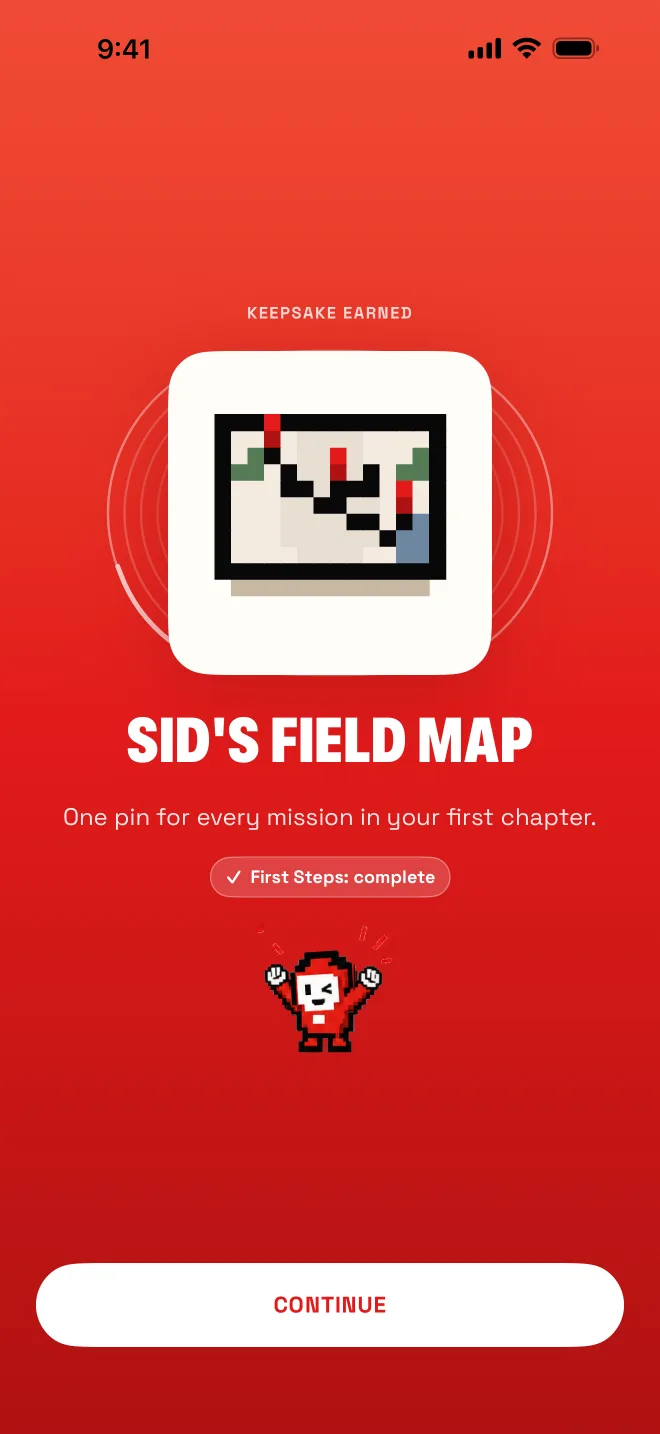
Every finale leaves you something to keep.
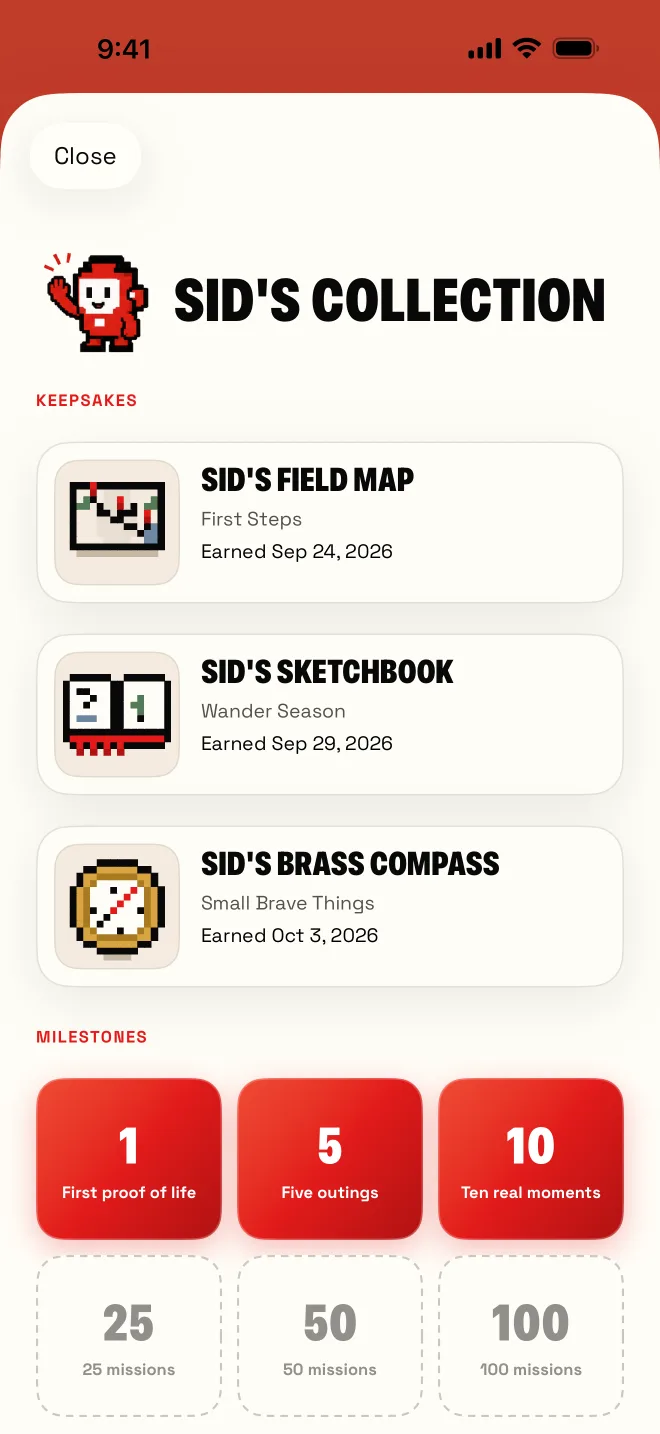
Keepsakes and milestones on one shelf.
Start with First Steps: 3 different missions, any kind. Then pick your next chapter, Wander Season or Small Brave Things.
Finishing a chapter unlocks its finale. It never plays itself: you accept it like a mission and add proof when you’re ready.
Each finale earns a keepsake for Sid’s collection. The first is Sid’s Field Map, with one pin for every mission in your first chapter.
Stamps at 1, 5, 10, 25, 50 and 100 completed missions. Your past missions already count.
Progress never resets and stays on your phone.
SideMission 2.0 is rebuilt for iPhone, with a new look and Sid moving through the app. Your journal, photos, plan and subscription carry over.
Live demo
The app’s matching engine runs in your browser, on the same 250 missions.
Pick your mood and the time you have.
Mood
Time

Pick a mood and a time.
Sid will handle the rest.
Also in the app
Saved ideas
Share a TikTok or any link to SideMission. Give it two clues, what it is and roughly where, and it joins your deck as a mission.
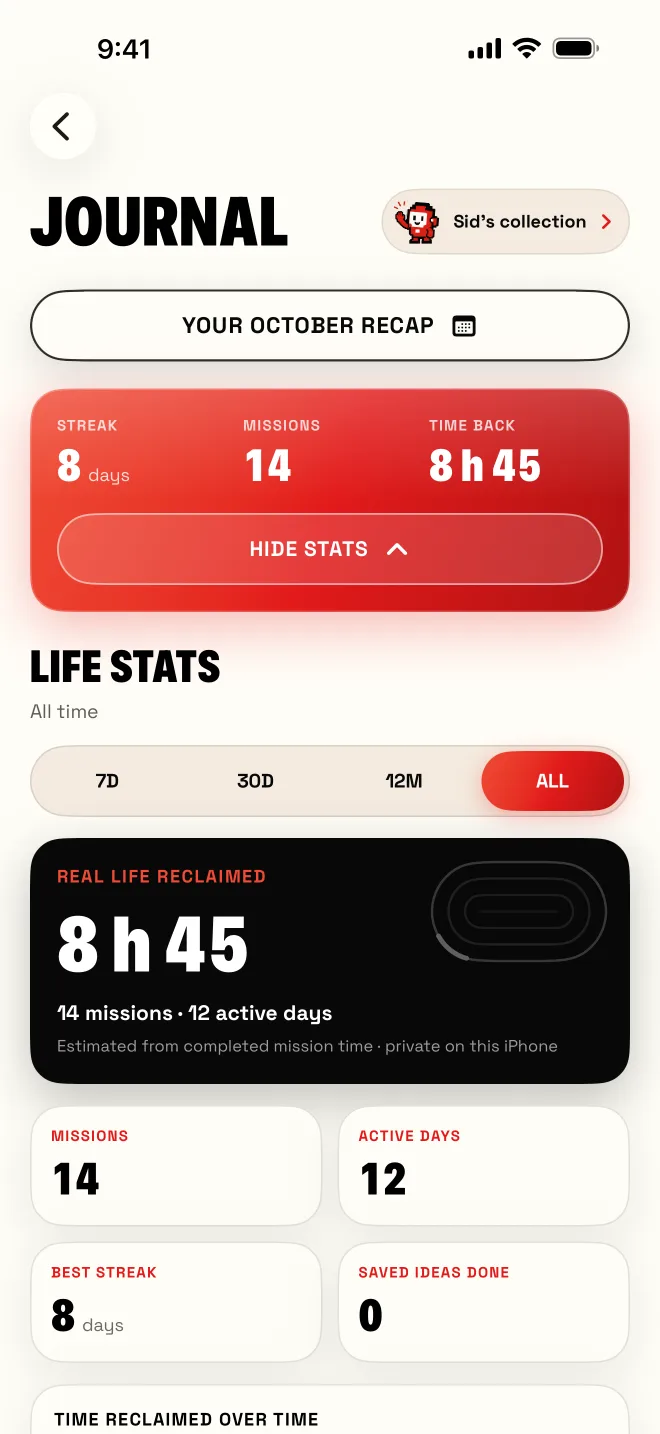
Life stats
Your journal keeps the receipts. Life stats estimate the time you took back from completed missions, with active days, streaks and a monthly recap.
A NOTE FROM DAVID
That quiet shift is why I built SideMission: not another place to scroll, but a reason to go live something.
“Your time is yours. Go earn it back.”
The library
Seven packs, from 15-minute resets to half-day micro-adventures.

 38 missions
Micro-adventures and city secrets
 35 missions
Gentle bravery, real humans
 35 missions
Dates that beat dinner and a movie
 40 missions
For running-on-empty days
 40 missions
Solo quests, main-character energy
 32 missions
Missions for the group chat
 30 missions
Move your body, see somewhere real
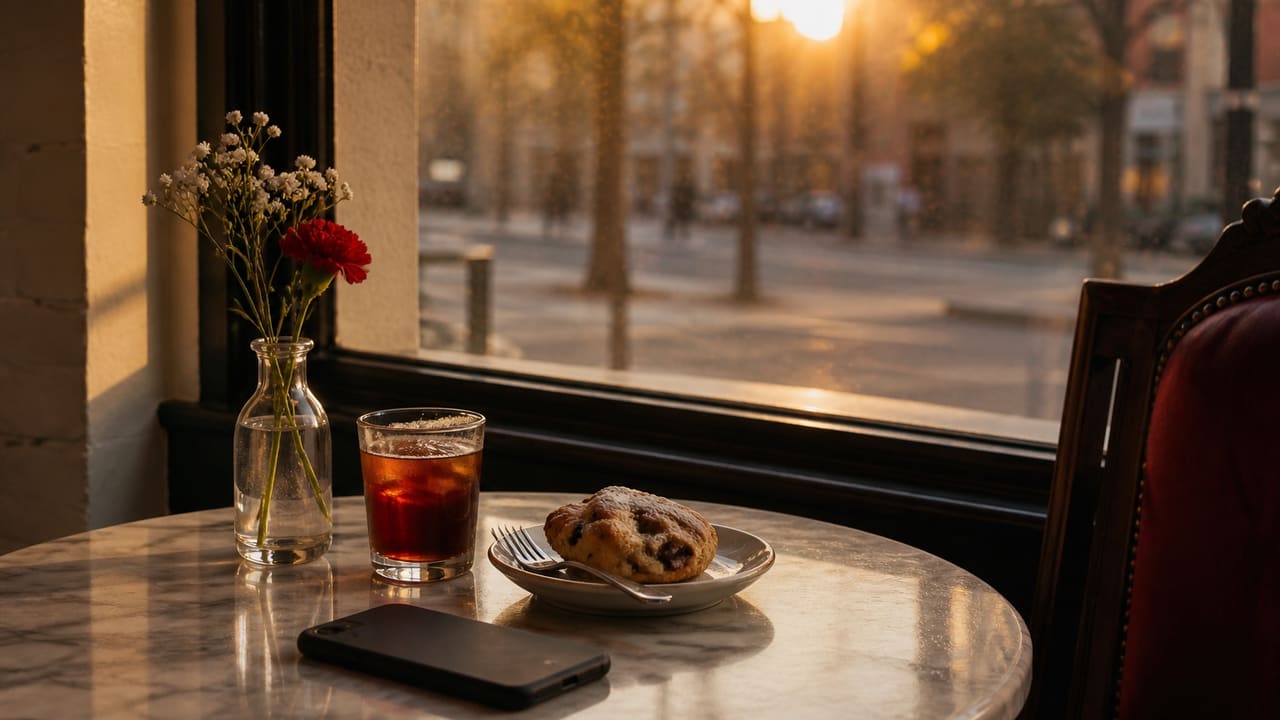 Your saves
Turn the places and ideas you save into plans
The anti-features
For iPhone
Answer a few quick questions and Sid plans your first week of missions.
Download on the App StoreiPhone · English and French · Offers and prices depend on your App Store storefront.

Something you can do today